
Published · Updated
How to Write a LinkedIn Article People Can Use
Plan a focused LinkedIn article with a clear argument, evidence, worked examples, and a useful ending.
Category
Explore our collection of articles about Linkedin Content And Engagement.
Published · Updated
Plan a focused LinkedIn article with a clear argument, evidence, worked examples, and a useful ending.

Published · Updated
Make your LinkedIn profile easier to interpret with accurate role language, skills in context, and appropriate visibility settings.

Published
Write a clear LinkedIn disagreement with worked comment examples, a practical AI editing brief, and ways to handle the reply without escalating.

Published · Updated
Review LinkedIn authentication, active sessions, third-party access, Page permissions, and the response to suspected account compromise.

Published · Updated
Use current vacancies, employer information, and your own search results to make better career decisions amid changing hiring conditions.

Published · Updated
Choose LinkedIn publishing and analytics features for a real task, and avoid obsolete Creator Mode instructions.

Published · Updated
Turn a real observation into a concise LinkedIn comment with examples for questions, disagreement, and AI-assisted drafting.

Published · Updated
A practical beginner routine for finding relevant people, joining discussions, and building useful professional connections.
Published · Updated
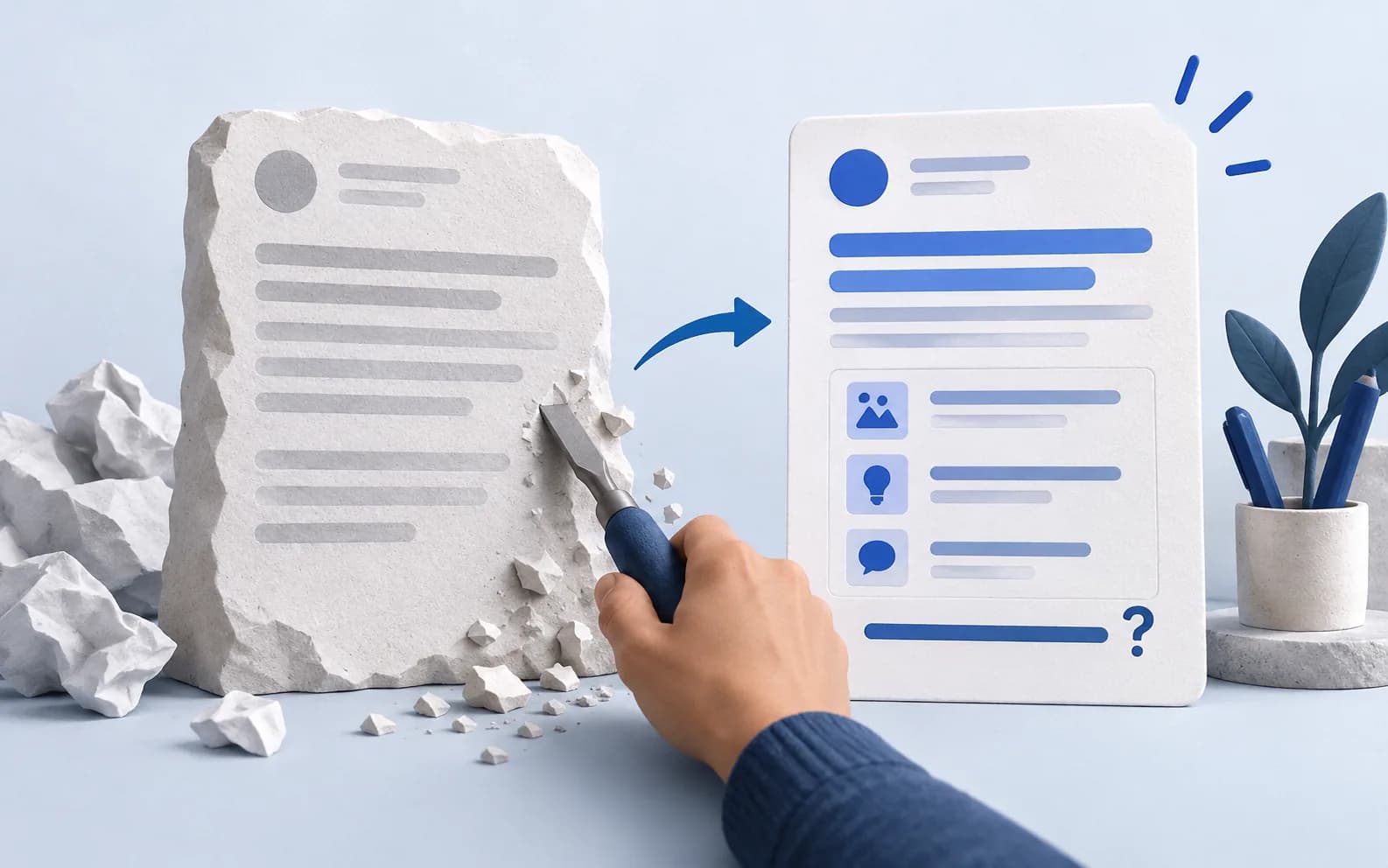
Edit LinkedIn posts for a clear reader problem, concrete evidence, readable structure, and a question worth answering.

Published · Updated
Decide whether a LinkedIn tool solves your real problem before buying it, with a small trial and clear policy checks.

Published · Updated
Develop recurring professional discussions through useful themes, thoughtful replies, and a sustainable follow-up routine.

Published · Updated
Understand public profile visibility, consistent naming, and trustworthy links without confusing LinkedIn search with website SEO.
Start with the comment you want to answer. Draft a reply with ReplyPilot, review the wording, and decide what to insert.
You review the draft. You choose the final words.
 View Chrome extension